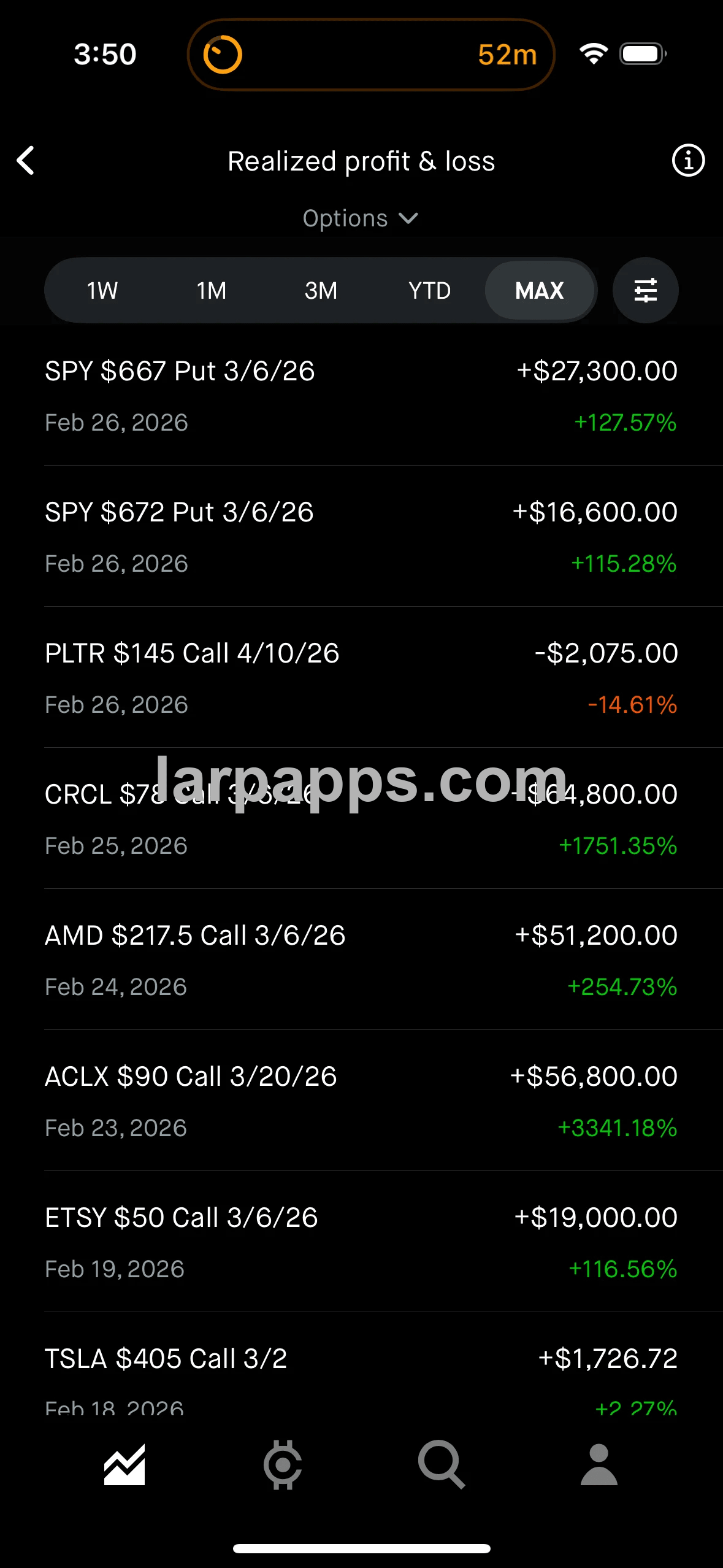
Options hindsight scanner built around Robinhood-style filters to scan saved past option trades by date, time window, and return.
Sell a course, scam, network with the rich or grow your social media easily with our 1:1 clones of popular iOS apps. LarpApps is the only vendor that offers a variety of premium clone iOS apps with regular updates.
Join our Telegram to purchase.
00:00
Slide 1 of 6

Options hindsight scanner built around Robinhood-style filters to scan saved past option trades by date, time window, and return.

Realized profit & loss built 1:1 with Robinhood's realized P&L screen, with matching option calculations, range filters, and chart behavior.

Saved trade history saving every closed options trade with contract details, trade date, dollar result, and percentage return in one list.

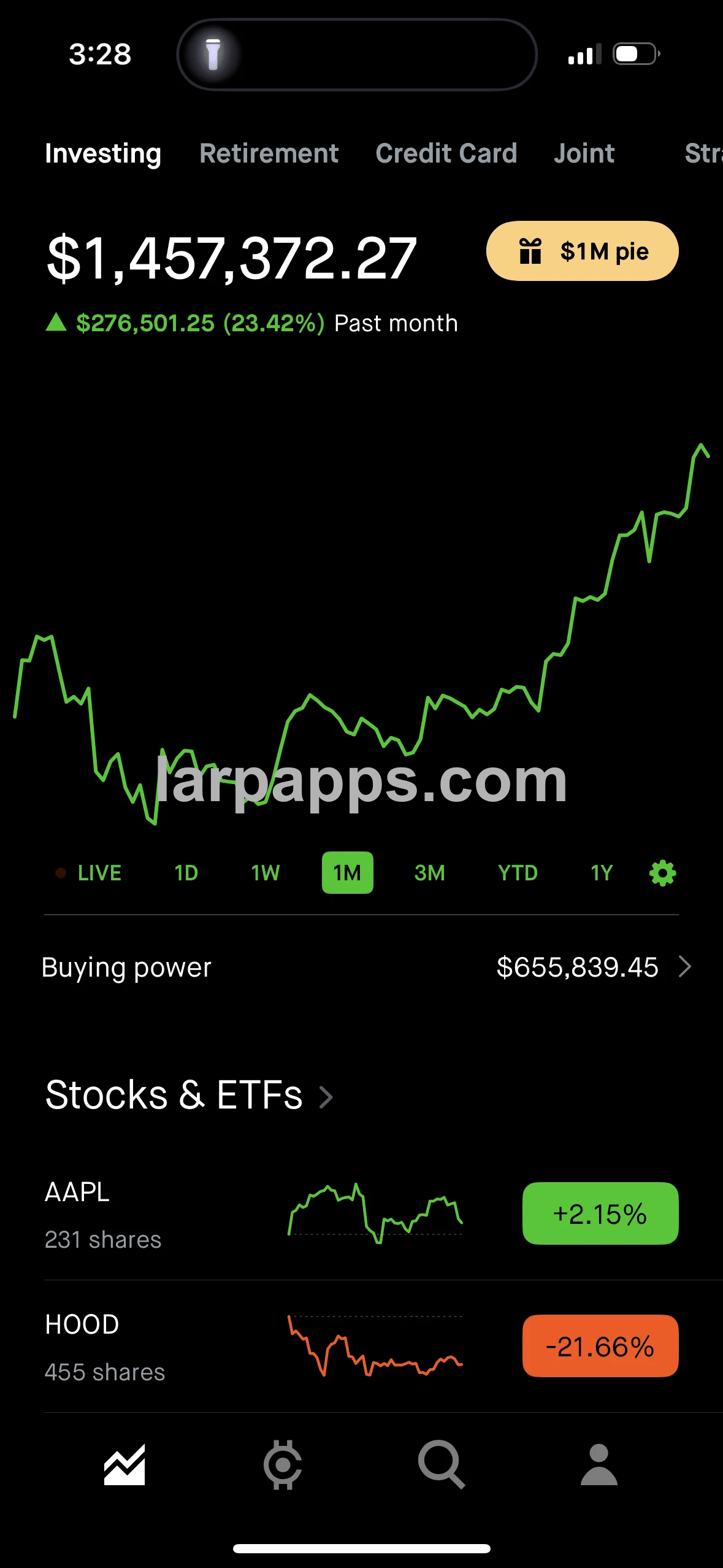
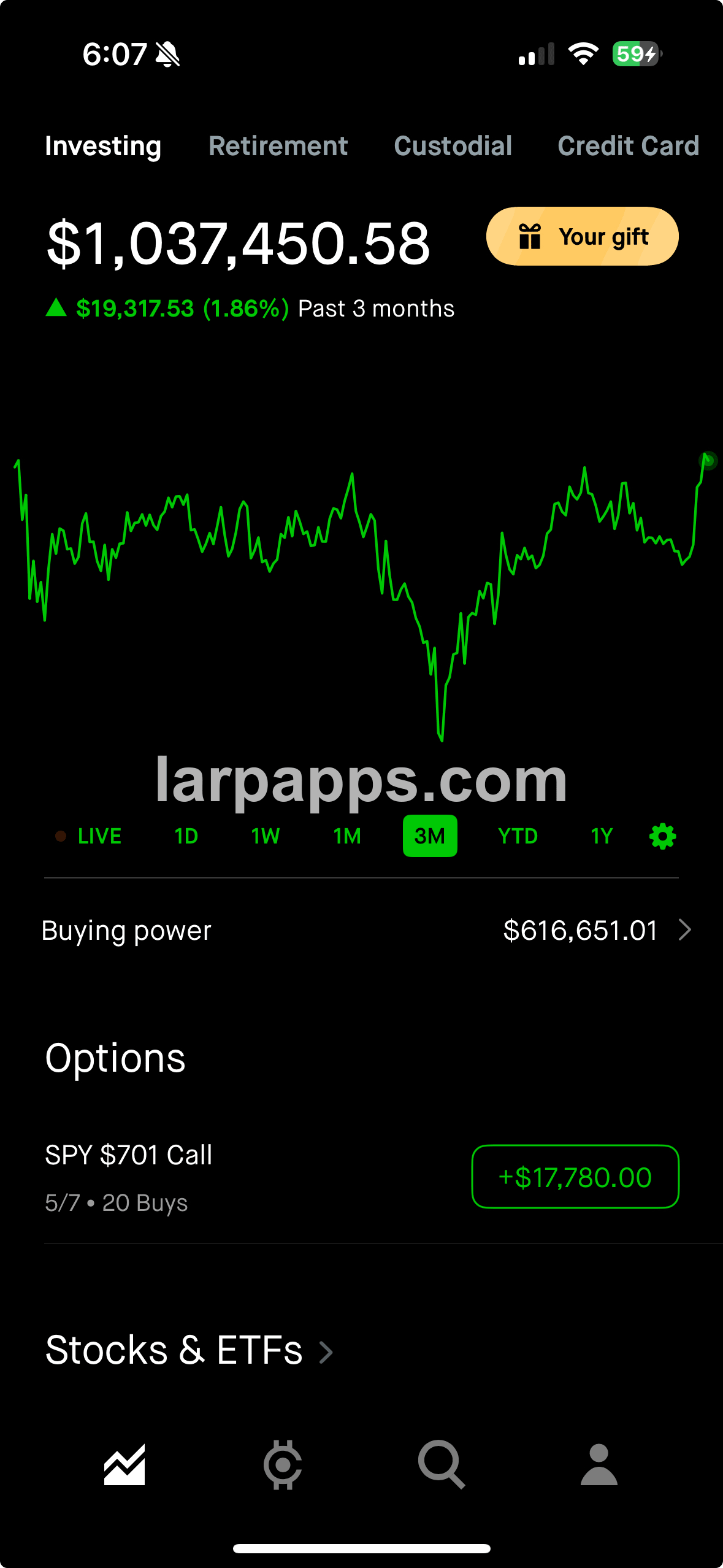
Investing home view recreating Robinhood's investing home with the same portfolio chart, buying power row, and holdings layout.

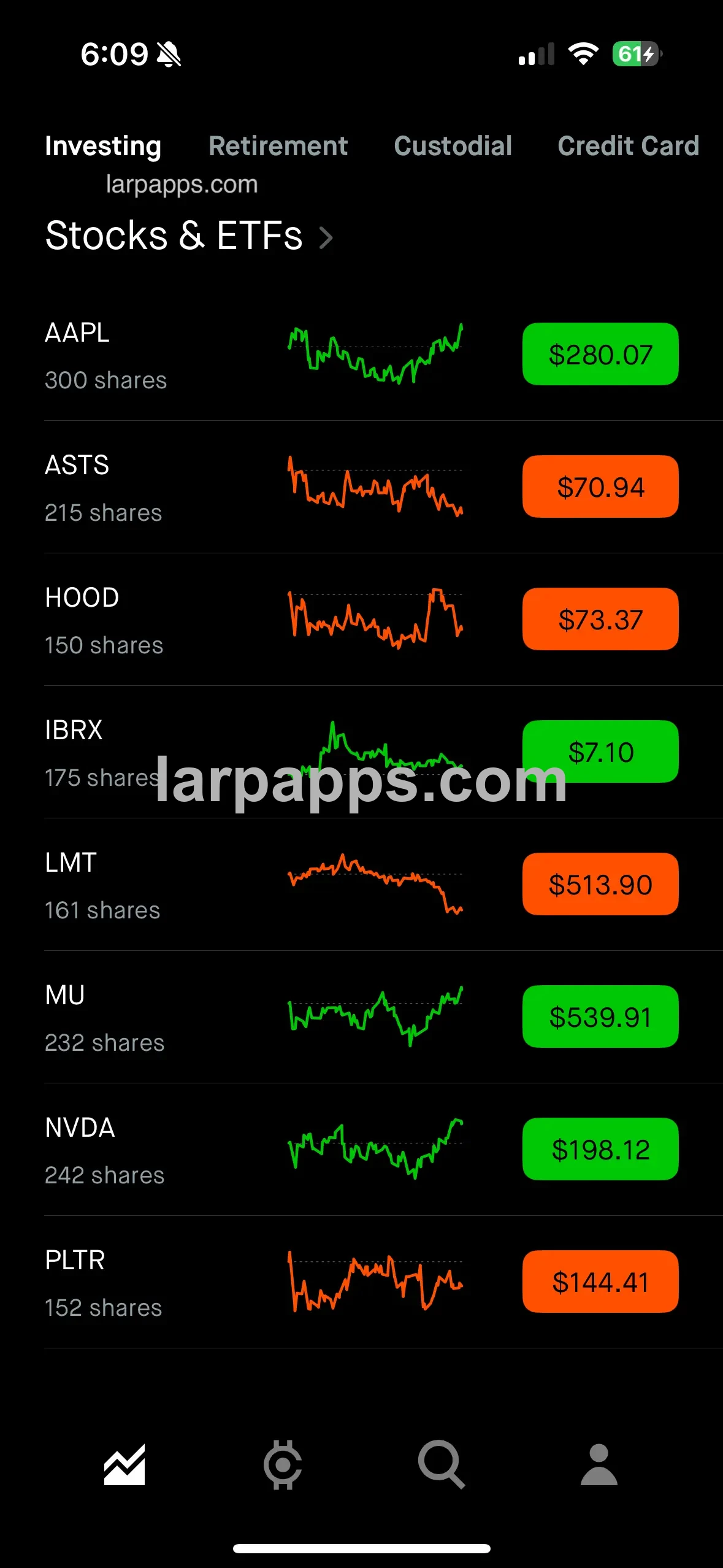
Stocks & ETFs watchlist matching the dark Robinhood stocks list with share counts, sparkline charts, prices, and bottom navigation.

Filled options order showing filled option orders with contract details, limit price, estimated credit, fees, and realized profit.
Slide 1 of 5

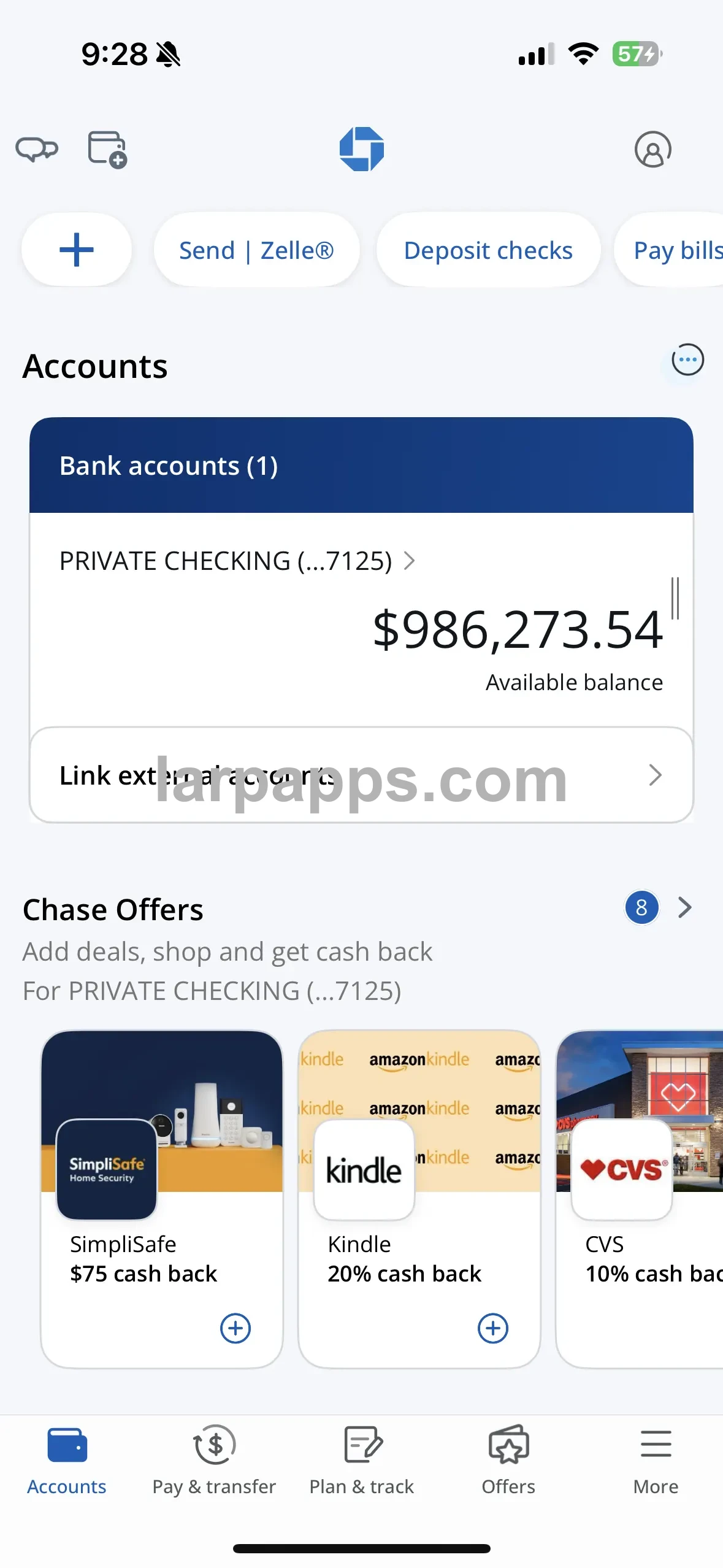
Accounts dashboard recreating Chase's accounts home with quick actions, linked account cards, balances, and offers in the same layout.

Pay & transfer hub matching Chase's pay and transfer screen with bills, Zelle, wires, transfers, deposits, and account tools.

Checking activity view showing posted checking transactions, statement shortcuts, Chase Offers, and deal cards in the same Chase-style flow.

Checking account details built like Chase's checking details page with balance breakdowns, account actions, and a full transaction list.

Transaction editor create incoming or outgoing transactions while balances, account values, and activity details stay consistent; the account number can be changed too.
Slide 1 of 3

Wallet home overview recreating Phantom's main wallet view with portfolio value, token cards, quick actions, a modifiable cash balance, dynamically rendered prediction markets, and trending chats for popular tokens like the real Phantom.

Track wallet position track a real Solana wallet in real time so holdings stay synced, token balances update live, and selected assets display accurately inside the wallet.

Adjust balances change crypto holdings and cash balance values, with updates reflected back on the Phantom-style home screen.
00:00
Slide 1 of 7

Portfolio home view recreating Exodus's home screen with configurable crypto balances, purple gradient wallet chrome, Bitcoin and Polygon balance cards, and quick wallet actions.

Wallet hub matching Exodus's account hub with Assets, Web3, Staking, NFTs, Exodus Pay, Settings, and Support cards in the same dark tile layout.

Branded profile hub showing the same Exodus hub experience with an editable larpapps.com profile name, custom avatar, and the full Assets, Web3, Staking, NFTs, Pay, Settings, and Support menu.

Live portfolio balances displaying the Exodus-style asset list with Bitcoin, Polygon, Ethereum, and stablecoin rows beneath a large portfolio total and bottom wallet action bar.

Transaction details recreating Exodus's received Bitcoin detail view with status, date, wallet addresses, transaction ID, value history, personal notes, and support access.

Asset picker matching Exodus's asset management screen with search, network filters, token rows, expandable assets, and selected wallet checkmarks.

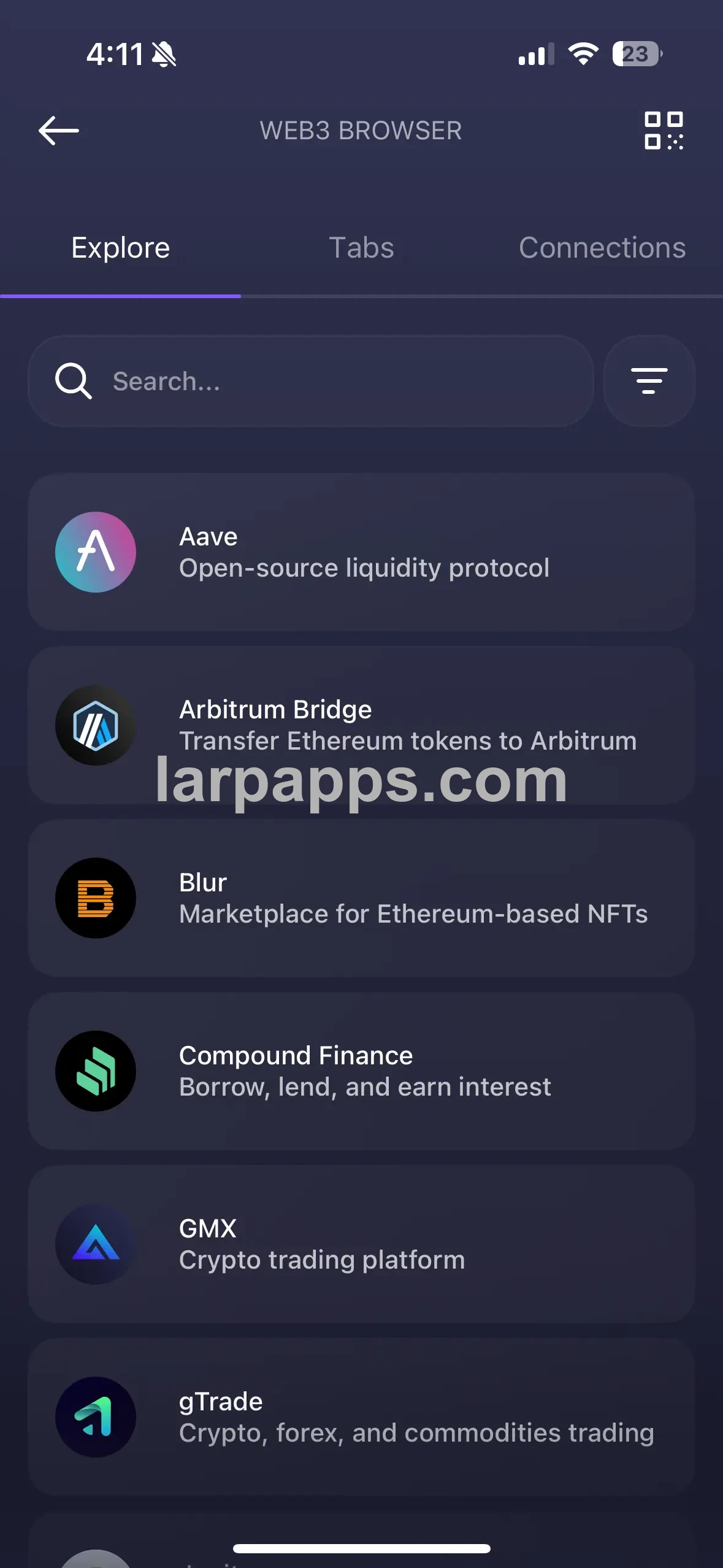
Web3 browser showing the Exodus Web3 browser with Explore, Tabs, and Connections sections plus searchable dapp rows for Aave, Arbitrum Bridge, Blur, Compound, GMX, and gTrade.
Slide 1 of 10

Bitcoin portfolio view matching Ledger's BTC screen with live valuation, chart ranges, quick actions, and wallet card layout.

BTC account history showing wallet details, BTC market data, and receive or send history in the same Ledger-style account view.

Create send or receive trades adding Ledger-style send or receive activity with editable date, time, amount, and from address details.

Recipient address step matching Ledger's send flow with QR scanning, paste support, required-address validation, and recipient verification guidance.

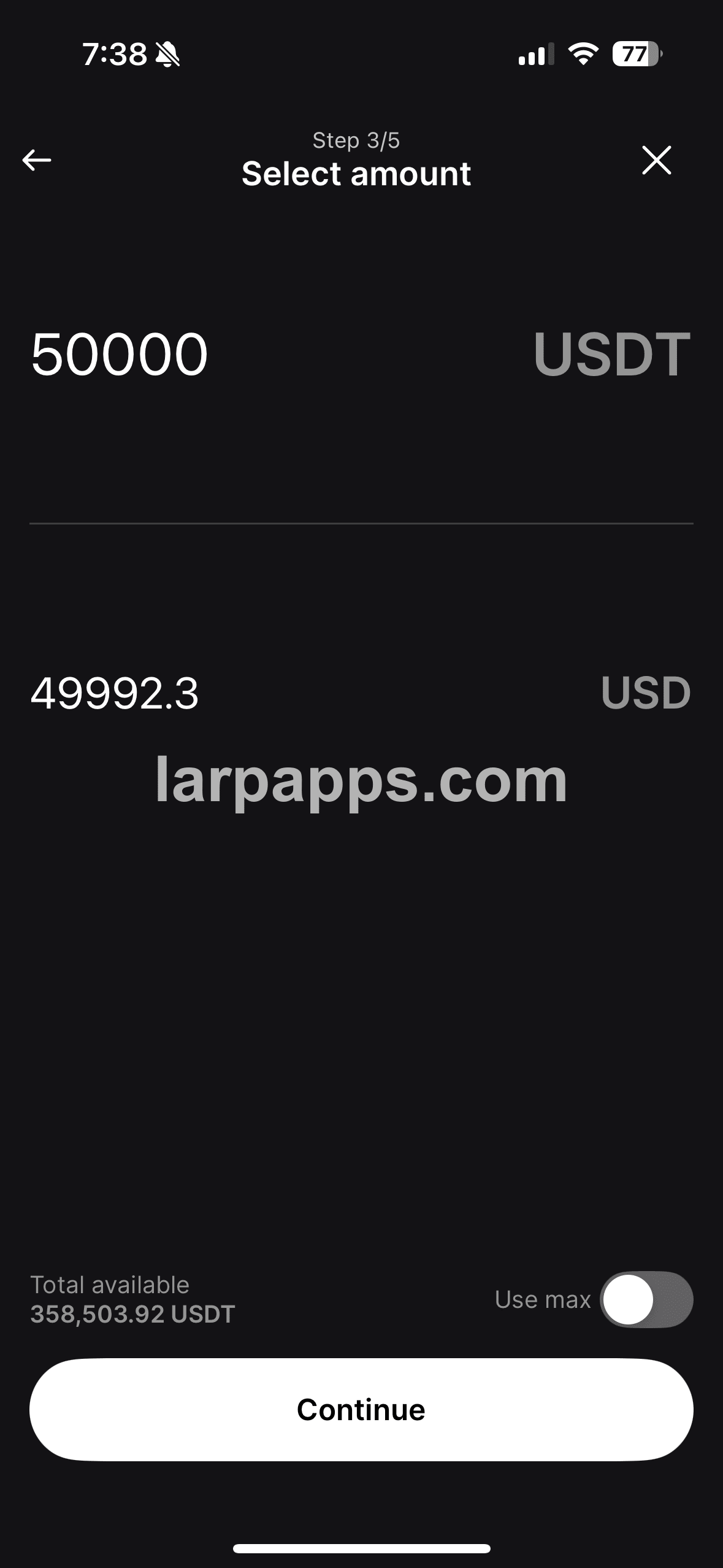
Send amount entry showing the amount step with token and fiat values, available balance, use-max toggle, and continue action.

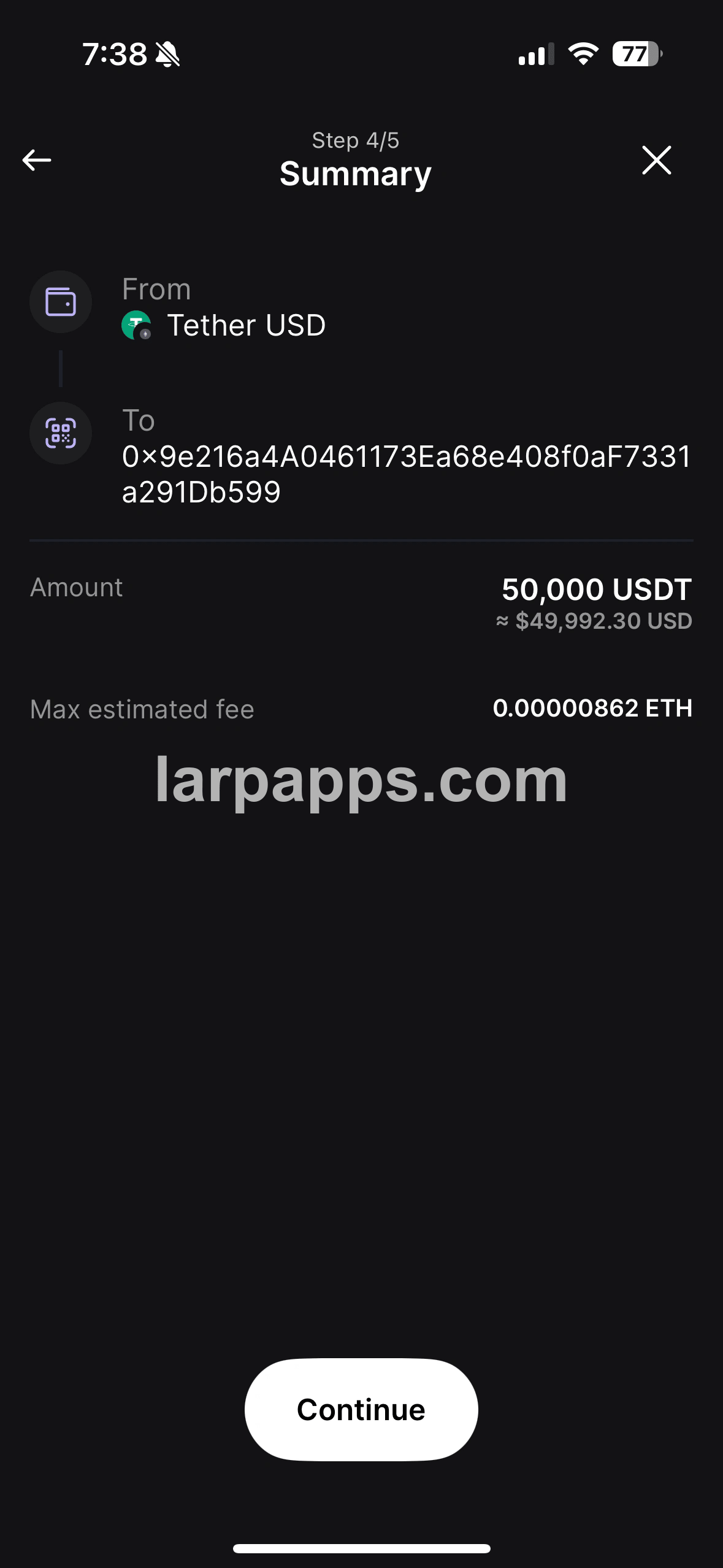
Transaction summary reviewing the selected asset, destination address, token amount, fiat estimate, and max network fee before continuing.

Send device selection finishing the send flow with available Stax, Nano X, and Flex devices ready to connect for approval.

Adjust crypto balances updating crypto balances inside the Ledger-style wallet so coin holdings, portfolio totals, and account values can match the demo.

On-device confirmation mirroring Ledger's send flow with device verification, amount review, and address confirmation before approval.

Device connection picker recreating Ledger's hardware selection flow for connecting Stax, Nano, or Flex devices before signing.